
USB-C replaced the Lightning charging port starting with the iPhone 15 series, but many buyers still feel confused when choosing cables, adapters, and accessories. The problem is simple: USB-C looks universal, but its real performance is not. We can avoid wasted purchases by separating the connector, charging speed, data speed, and accessory compatibility.
Apple replaced the Lightning port with USB-C starting with the iPhone 15 series: iPhone 15, iPhone 15 Plus, iPhone 15 Pro, and iPhone 15 Pro Max. iPhone 15 and later models normally use a USB-C-to-USB-C cable, while older Lightning iPhones can still use a USB-C power adapter with a USB-C-to-Lightning cable.
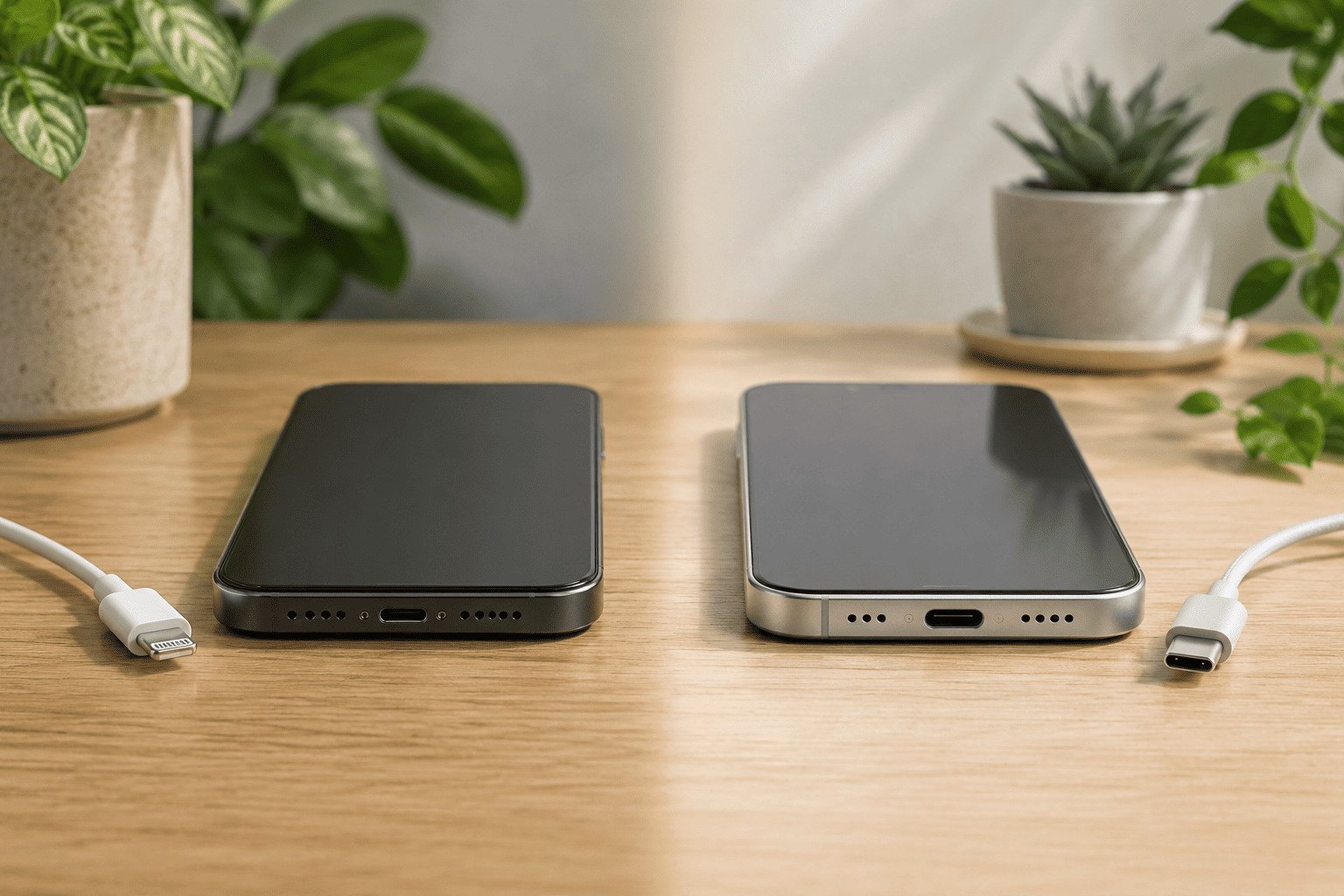
This answer is clear, but the buying decision needs more care. USB-C is a physical connector standard, not a promise of the same charging speed, data rate, video output, or cable quality across every device1.
Which iPhone Series First Had USB-C Replace the Lightning Charging Port?
Many users only want to know the first USB-C iPhone. That answer is useful, but procurement teams, importers, and accessory buyers need a model-by-model view. If we assume every USB-C iPhone behaves the same, we may choose the wrong cable or overpay for unnecessary accessories.
The first iPhone series with USB-C was the iPhone 15 series, released in 2023. Apple’s official technical specifications list USB-C for iPhone 15, 15 Plus, 15 Pro, and 15 Pro Max. Apple later continued USB-C on newer iPhone models.
| iPhone model | Port | Apple-listed wired data capability | Practical note |
|---|---|---|---|
| iPhone 14 and earlier | Lightning | Varies by model, commonly USB 2 speeds | Can use USB-C adapter with USB-C-to-Lightning cable |
| iPhone 15 / 15 Plus | USB-C | USB 2 | USB-C connector does not mean high-speed data |
| iPhone 15 Pro / Pro Max | USB-C | USB 3 up to 10Gb/s with compatible cable2 | Needs proper USB 3 cable |
| iPhone 16 / 16 Plus | USB-C | USB 2 | Good for daily charging, not Pro data workflows |
| iPhone 16 Pro / Pro Max | USB-C | USB 3 up to 10Gb/s with compatible cable | Better for large photo/video transfers |
Apple’s official technical specifications are the best source for these model-specific claims. They show why we should not say “USB-C iPhones are faster” without context. The connector changed for all iPhone 15 models, but the data capability differs between standard and Pro models.
The European Union’s common-charger directive also influenced the market direction, aiming to streamline consumer technology and significantly reduce environmental waste3. However, this rule concerns charging interface standardization. It does not mean every USB-C product has identical performance.
Does USB-C Replace the Lightning Charging Port Mean Faster Charging?
USB-C creates another common misunderstanding. Many users see the new port and expect much faster charging. That can be true in some device categories, but it is not automatic for iPhone. The phone, adapter, cable, temperature, and battery level all affect charging speed.4
USB-C replacing Lightning means the wired connector changed. It does not guarantee faster charging, faster data transfer, video output, or higher power.5 Apple commonly states fast charging can reach about 50% in around 30 minutes6 with a suitable 20W or higher USB-C power adapter, depending on model and conditions.
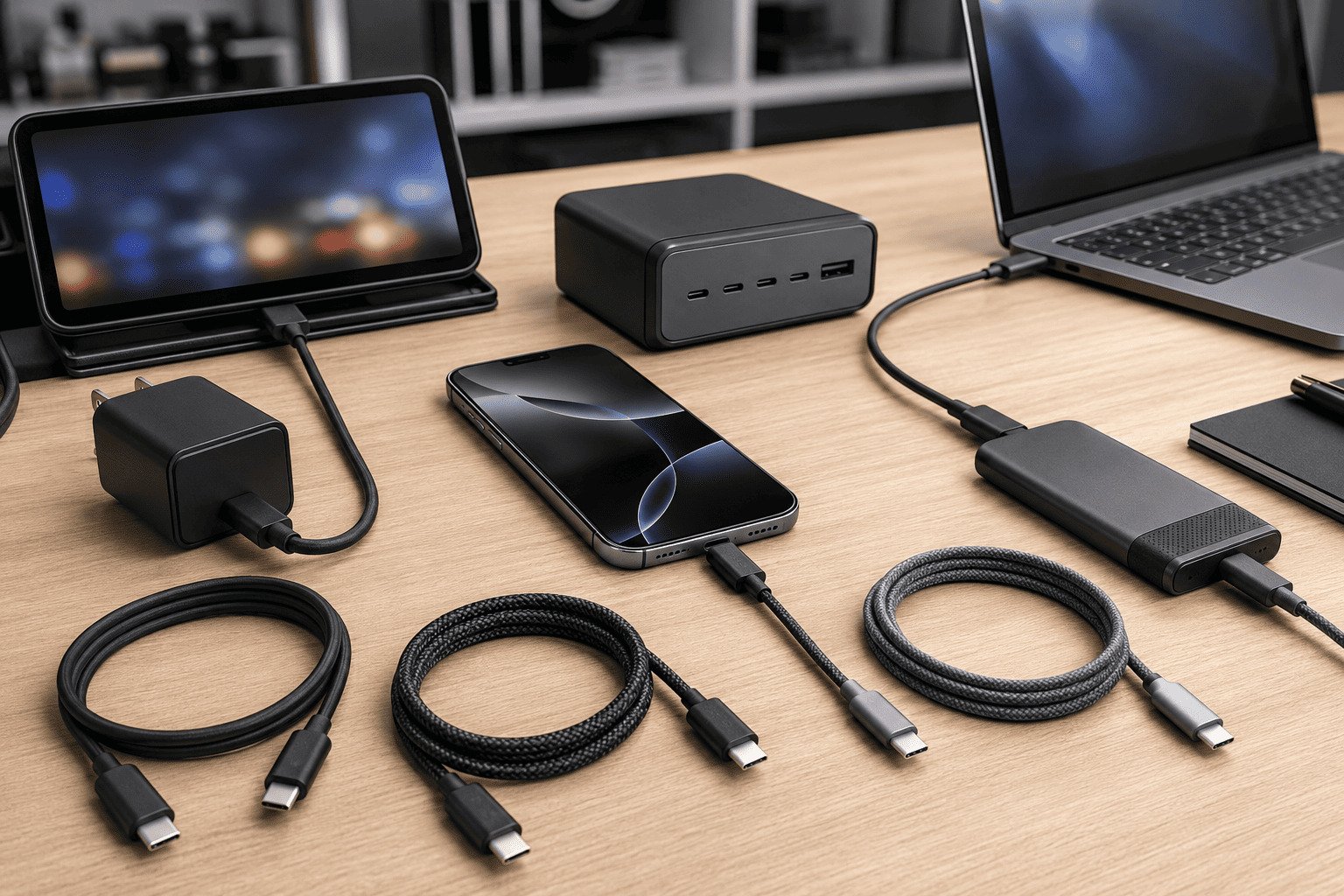
USB-IF, the organization behind USB standards, treats USB-C as a connector type. Features such as USB 2, USB 3, USB4, USB Power Delivery, and video modes are separate specifications.7 This distinction matters in real buying situations.
Common mistakes we see include:
- Using an incompatible or low-quality cable for CarPlay. While standard C-to-C cables legally must include basic data pins8, many poorly shielded or non-compliant options still experience high latency or fail with data-based functions like CarPlay.
- Assuming a 65W adapter always charges an iPhone faster than a 20W adapter. The phone controls accepted power.
- Replacing a good USB-C PD adapter unnecessarily. If the adapter is certified, safe, and powerful enough, it may still work well.
- Buying a high-speed cable for simple bedside charging. A basic certified cable may be enough.
- Expecting all USB-C accessories to work with every iPhone feature. Some accessories need specific data or video support.
For most users, a quality USB-C Power Delivery adapter and a certified USB-C cable are enough for charging. For content creators moving ProRes video from an iPhone Pro model, a higher-speed cable becomes more important.
Which Cable or Adapter Do We Need After USB-C Replaced Lightning?
Accessory confusion is the real cost of the transition. Retailers and procurement teams face unique challenges as consumers figure out what to keep and what to upgrade. We prefer a simple checklist because it reduces waste and keeps procurement decisions practical.
After USB-C replaced Lightning, iPhone 15 and later models normally need a USB-C-to-USB-C cable for wired charging. Older iPhones with Lightning ports can still charge from a USB-C power adapter by using a USB-C-to-Lightning cable. Wireless charging, Qi, Qi2, and magnetic charging are not removed by the USB-C change.
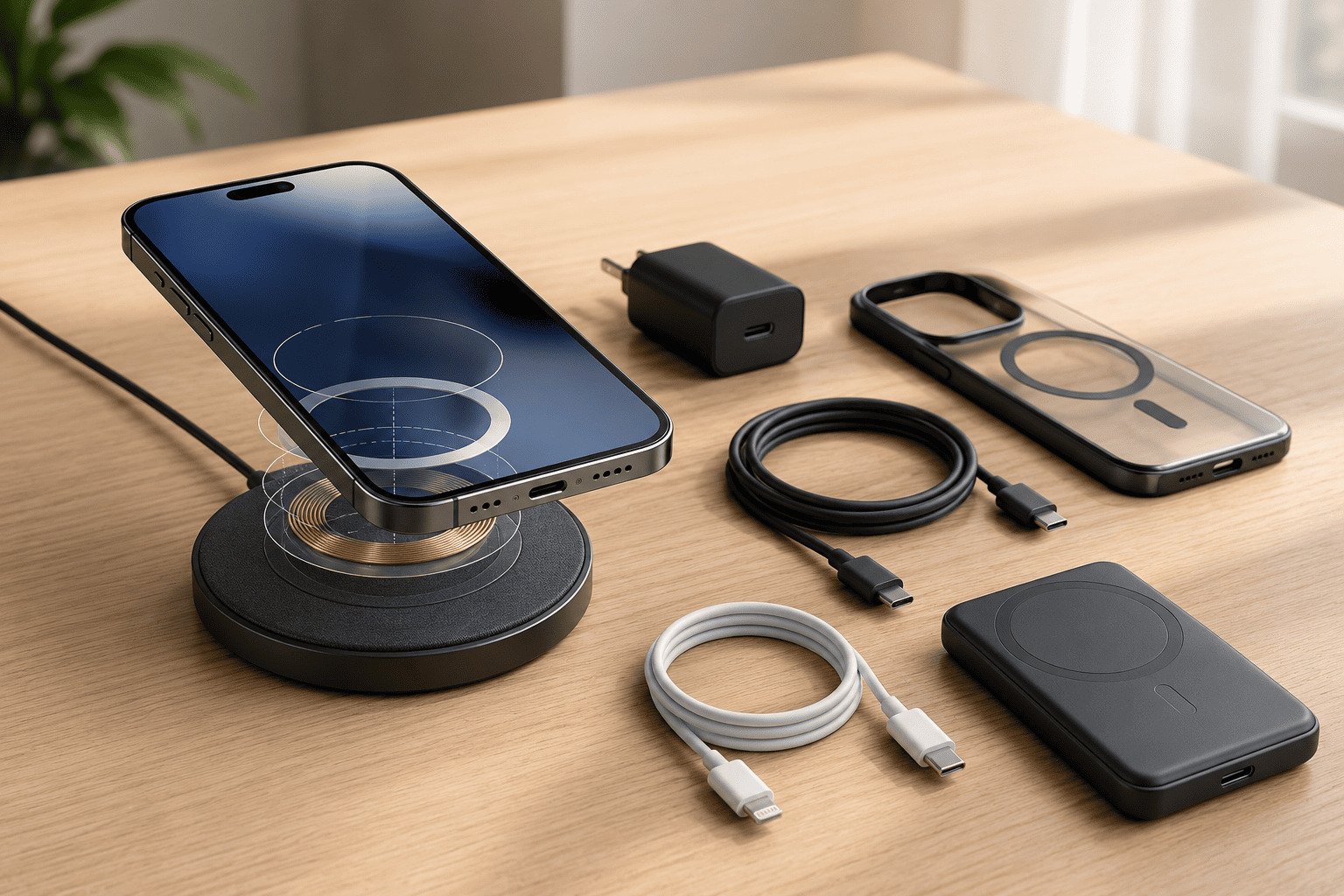
Use this checklist before buying new accessories:
| Existing accessory | Keep using it? | What to check |
|---|---|---|
| USB-C PD wall adapter | Usually yes | Output, safety certification, plug type |
| USB-A charger | Sometimes | Slower charging, needs USB-A cable |
| USB-C-to-Lightning cable | Only for Lightning iPhones | Not useful for USB-C iPhones |
| Lightning earphones/accessories | Maybe | May need adapter; feature support can vary |
| MagSafe/Qi wireless charger | Yes, if compatible | Wireless charging standard and wattage |
| CarPlay cable | Maybe | Must support data, not only charging |
| Power bank with USB-C | Usually yes | USB-C input/output and PD support |
For business buyers, we recommend testing accessories by use case, not just by connector shape:
- Charging test: Does the phone charge safely and steadily?
- Data test: Does the cable support CarPlay or file transfer?
- Speed test: Does it meet the model’s real capability?
- Heat test: Does the charger remain stable under load?
- Certification check: Are CE, FCC, RoHS, UL, PSE, KC, or Qi documents available where needed?
At Fabucharger, we often remind buyers that USB-C changed wired charging and wired accessory connection. It did not replace wireless charging. In fact, driven by the rollout of the latest Qi2 specification, the global wireless charging market continues to see robust growth as cable-free power delivery transitions from a premium smartphone feature to a mainstream consumer expectation. Desktop wireless chargers, 3-in-1 charging stations, magnetic chargers, Qi2 products, and wireless power banks remain highly relevant, especially for users who prefer cable-free daily charging.
Frequently Asked Questions
Which iPhone was the first with USB-C?
The first USB-C iPhones were the iPhone 15, iPhone 15 Plus, iPhone 15 Pro, and iPhone 15 Pro Max. Apple introduced them in 2023 and replaced the Lightning port across the whole iPhone 15 lineup.
Can older iPhones use a USB-C charger?
Yes. Older Lightning iPhones can use a USB-C power adapter if we connect them with a USB-C-to-Lightning cable. The phone still has a Lightning port, but the wall adapter can be USB-C.
Are all USB-C iPhone cables the same?
No. Some USB-C cables are mainly for charging, some support basic USB 2 data, and others support higher data speeds, video, or higher power. The right cable depends on whether we need charging, CarPlay, file transfer, or professional video workflows.
Did USB-C remove wireless charging from iPhone?
No. USB-C only changed the wired port. iPhones can still support wireless charging technologies such as Qi, Qi2, and magnetic wireless charging9, depending on the model and charger.
Do we need to buy a new adapter for iPhone 15 or later?
Not always. If we already have a safe USB-C Power Delivery adapter with suitable output, we may only need a USB-C-to-USB-C cable. We should replace adapters only when they are unsafe, underpowered, uncertified, or incompatible.
Conclusion
USB-C replaced the Lightning charging port starting with the iPhone 15 series, but USB-C is not a guarantee of identical speed or function. Standard and Pro iPhones can have different data capabilities, and cable quality matters. Before buying, we should check the phone model, cable type, adapter rating, and real use case. If your business needs certified wireless chargers, USB-C charging products, or OEM/ODM mobile charging solutions, Fabucharger can help you build a reliable product line with stable supply and global compliance support.
"USB-C - Wikipedia", https://en.wikipedia.org/wiki/USB-C. USB-IF documentation distinguishes the USB Type-C connector from features such as USB data generations, USB Power Delivery, and alternate modes, supporting the point that identical connectors do not imply identical functionality. Evidence role: general_support; source type: institution. Supports: USB-C products may share the same connector while supporting different power, data, and display capabilities.. ↩
"iPhone 16 Pro - Wikipedia", https://en.wikipedia.org/wiki/IPhone_16_Pro. Apple’s technical specifications for the relevant Pro models state USB 3 support at up to 10Gb/s and note the need for a compatible cable, supporting the table’s stated data capability. Evidence role: statistic; source type: institution. Supports: Selected iPhone Pro models list USB 3 data transfer up to 10Gb/s with a compatible cable.. ↩
"The EU common charger", https://single-market-economy.ec.europa.eu/sectors/electrical-and-electronic-engineering-industries-eei/radio-equipment-directive-red/one-common-charging-solution-all_en. European Commission and European Parliament materials on the common-charger rules state that harmonizing charging interfaces is intended to reduce electronic waste and avoid unnecessary charger purchases. Evidence role: general_support; source type: government. Supports: EU common-charger rules were justified in part by reducing charger waste and consumer inconvenience.. Scope note: This supports the policy rationale and projected environmental benefit, not a measured post-implementation reduction in waste. ↩
"USB Charger (USB Power Delivery) - USB-IF", https://www.usb.org/usb-charger-pd. Battery-charging literature and USB Power Delivery documentation explain that charge current and voltage are constrained by device negotiation, cable and adapter ratings, battery state of charge, and thermal limits. Evidence role: mechanism; source type: research. Supports: Charging rate is affected by power negotiation, charger and cable limits, thermal conditions, and battery state of charge.. Scope note: This provides general technical support for lithium-ion and USB-powered devices rather than a model-specific measurement for every iPhone. ↩
"Do all USB C 3.1 Gen 1 (5 Gbps) cables support Video and Data ...", https://www.reddit.com/r/UsbCHardware/comments/14us2a1/do_all_usb_c_31_gen_1_5_gbps_cables_support_video/. USB-IF documentation treats USB Type-C as a connector system, while data rate, power delivery, and alternate-mode video capabilities are defined by separate specifications and implementations. Evidence role: mechanism; source type: institution. Supports: USB-C is separate from USB data generations, USB Power Delivery, and video alternate modes.. ↩
"Fast charge your iPhone - Apple Support", https://support.apple.com/en-us/102574. Apple support documentation states that compatible iPhone models can fast-charge to about 50 percent in around 30 minutes when used with a suitable 20W or higher USB-C power adapter. Evidence role: statistic; source type: institution. Supports: Apple states that supported iPhone models can reach about 50% charge in around 30 minutes with an appropriate USB-C adapter.. Scope note: The benchmark is conditional and can vary by model, battery condition, temperature, and usage during charging. ↩
"USB hardware - Wikipedia", https://en.wikipedia.org/wiki/USB_hardware. USB-IF materials identify USB Type-C, USB data specifications, USB4, USB Power Delivery, and alternate-mode functions as distinct specifications or feature sets, supporting the article’s separation of connector shape from capability. Evidence role: definition; source type: institution. Supports: USB 2, USB 3, USB4, USB Power Delivery, and alternate video modes are specified separately from the USB-C connector.. ↩
"USB-C - Wikipedia", https://en.wikipedia.org/wiki/USB-C. The USB Type-C cable and connector specification defines required conductors for compliant USB-C cable assemblies, including the lines used for basic USB data operation. Evidence role: definition; source type: institution. Supports: A standards-compliant USB-C-to-USB-C cable includes the required wiring for basic USB data signaling.. Scope note: The specification supports a standards-compliance claim; it does not by itself prove statutory legal requirements in every jurisdiction or compliance by all products sold. ↩
"Qi (standard) - Wikipedia", https://en.wikipedia.org/wiki/Qi_(standard). Apple technical specifications and Wireless Power Consortium materials document continued wireless charging support for recent iPhone models and define Qi/Qi2 as wireless charging standards independent of the wired connector. Evidence role: general_support; source type: institution. Supports: Recent iPhone models list wireless charging support, including Qi, Qi2, or MagSafe depending on model and charger.. Scope note: Support varies by iPhone model, charger certification, alignment, and rated wattage. ↩